Why Are AI Video Generator Tools So Popular Now?
In my experience, the biggest reason is speed. You just type what you want, and the AI creates a video for you. No camera, no actors, no big budget needed. Small creators and even big brands are using these tools daily to save time and money.
Another reason is quality. Earlier, AI videos looked weird and shaky. Now the newer models create smooth, realistic clips with proper sound and lip sync. So the gap between a real video and an AI video is becoming very small.
Best AI Video Generator Tools You Should Try in 2026
Now let’s talk about the actual tools. I have picked these based on what creators are really using and talking about right now.
1. Google Veo
If you want a Best AI video Generator tools for realistic-looking clips, Veo is a top pick. It understands your text prompt well and gives good camera movement along with matching sound. In my experience, it works best when you write a clear and detailed prompt. The only issue is that the paid plans can feel a bit costly if you are just starting out.
2. Runway
Runway is great if you care about camera control. You can add zoom, pan, and different camera angles very easily. It is more popular with people who already know a bit about filmmaking style. If you think as I do, tools like this are perfect for YouTube intros or short cinematic clips. The free plan is quite limited though, so keep that in mind.
3. Kling
Kling is known for smooth motion and stable output. This means the video does not look shaky or broken, which is common in some free AI video generator tools. It works well for both text-to-video and image-to-video projects.
4. PixVerse
This one is good for beginners. PixVerse gives free daily credits, so you can test it without paying anything first. It supports different styles like anime, realistic, and 3D. The videos are short, usually around 15 seconds, which is perfect for Reels and Shorts.
5. HeyGen
If your content needs a talking avatar, HeyGen is one of the Best AI video Generator tools out there. It supports voice cloning and many languages. This is great for explainer videos, tutorials, or even ads. Businesses also use it a lot because it feels more professional.
6. InVideo
InVideo works a little differently. Instead of creating videos from scratch, it uses stock clips along with AI voiceover and editing. This is one of the best AI video generator tools for beginners in 2026 who want a polished video fast without knowing editing.
7. Luma
Luma is simple and clean to use. It gives a good free trial with short clips, and you can also use start and end images to guide your video. It is more casual and easy to pick up compared to some heavier tools.
Free vs Paid: What Should You Choose?
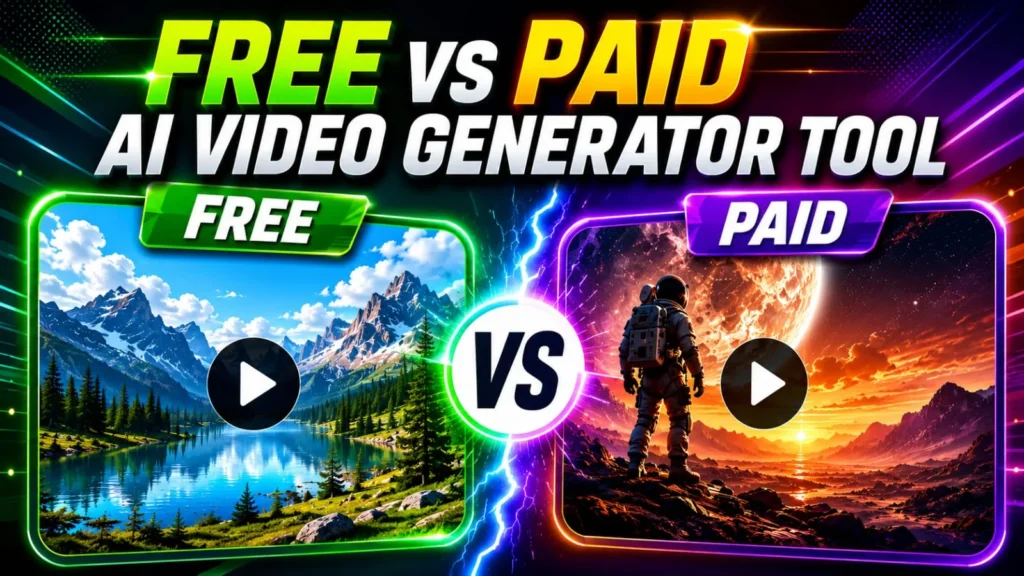
Now this is where I want to be honest with you. Free AI video generator tools are great for testing and learning. But most free plans add a watermark and give limited credits. If you are serious about YouTube or brand content, paid plans remove watermarks and give better quality output.
My advice: start free. See which tool matches your style. Then move to a paid plan only for the tool you actually enjoy using.
Things to Keep in Mind Before You Pick a Tool:
- Check how long the free trial or credits last.
- See if the tool supports your language, especially if you make Hindi or Hinglish content.
- Look at the video length limit; most tools give short clips only.
- Check commercial usage rights if you plan to use it for business or client work.
- Test the tool with your own prompt before buying any plan.
Final Thoughts
AI video generator tools have truly changed the world of making real videos and how regular people create content. Now, you don’t need big studios or years of editing skills. With a good idea and the right tool, you can make a solid video in minutes.
In my experience, no single tool is perfect for everyone. Some are great for realistic cinematic videos, some are better for quick social media clips, and some are best for avatar-based explainer videos. So try two or three tools, compare the results, and stick with the one that fits your content style the best.
If you’re just starting out, there’s no need to overthink it. Pick a free plan, try out a few text-to-video AI tools, and slowly build up your skills from there.