
Let me tell you something, bro: have you ever heard an AI voice and thought, ‘Wait, is a real person actually speaking?’ That’s exactly what the best AI voice generator tools in 2026 can do for realistic text-to-speech. I’ve personally tested many of these tools for my YouTube projects and blog, and I want to share what really works and what doesn’t.
In this article, we’ll take a thorough look at the best AI voice generator tools for realistic text-to-speech, compare their pricing (plans), and see which tool fits your needs and budget, whether you’re a YouTuber, teacher, or running a business. Today, we’re going to explore something new and different.
In This Article
ToggleHighlight key
- ElevenLabs still leads for emotional, human-like narration and voice cloning.
- Murf is the easiest tool for beginners who want quick voiceovers.
- Play.ht is great for long-form content like podcasts and audiobooks.
- NaturalReader and Speechify work best for reading documents aloud.
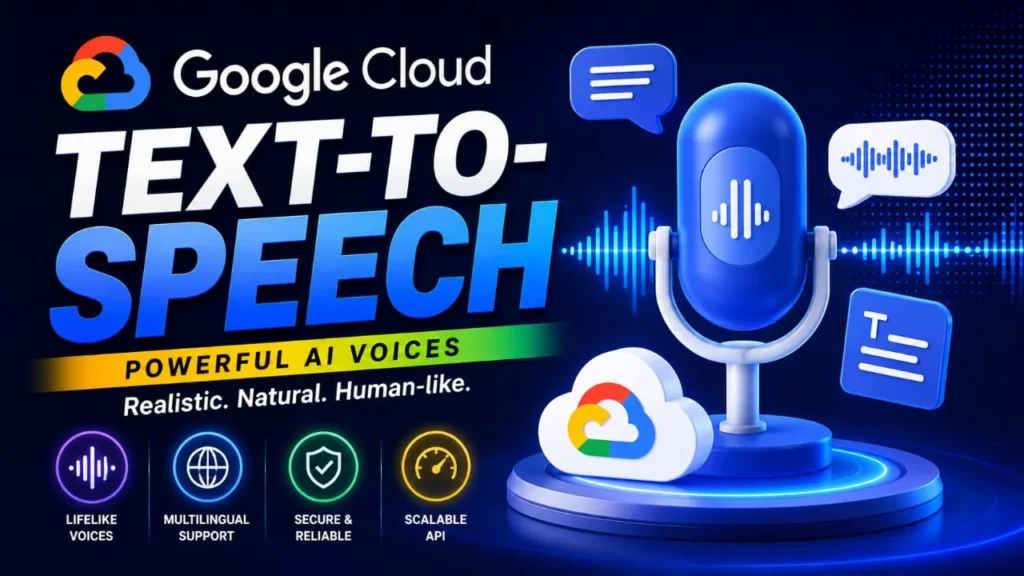
- Google Cloud TTS is solid for developers who want to build voice into apps.
What Makes an AI Voice Sound Real?
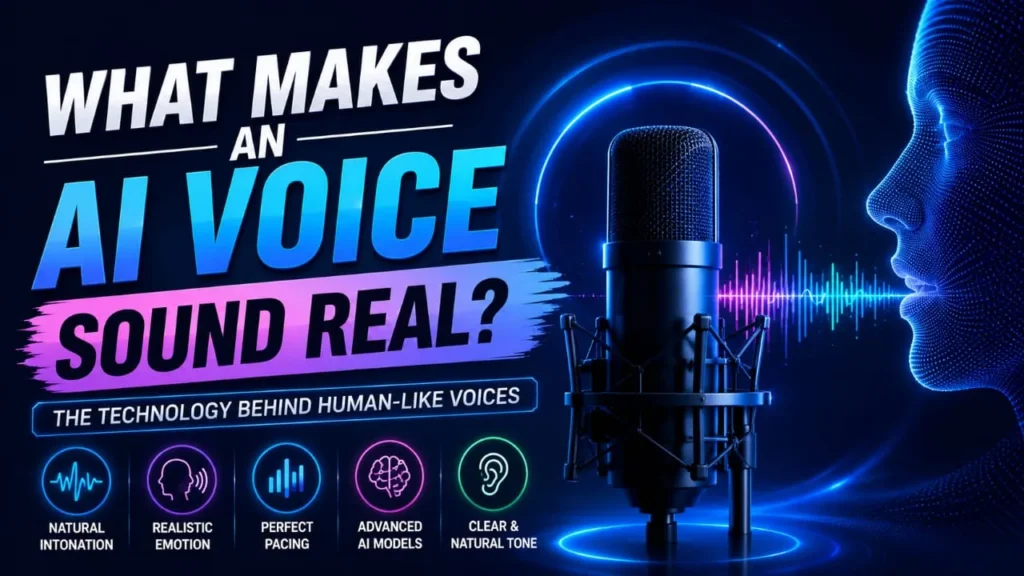
- Breathing and pauses: A good AI voice takes small breaths and pauses, just like a real person talking.
- Emotion control: The tool should let you add feelings like happy, sad, or excited into the voice.
- Clear pronunciation: Names, brand words, and numbers should sound correct, not robotic or broken.
Best AI Voice Generator Tools for Realistic Text-to-Speech Results
1. ElevenLabs
ElevenLabs is still the name most creators mention first. The voices breathe, pause, and sound emotional in a way that feels close to a real human voiceover artist. You can clone a voice with just a short audio clip, which is honestly a little scary, how fast it works.
The free plan gives you a small number of characters every month, which is fine for testing but not enough for regular YouTube uploads. If you want to use it seriously, you will need to upgrade to a paid plan.
2. Murf
If you are just starting out and technology confuses you a bit, Murf is a friendly place to begin. The interface is simple, almost like using a basic slide tool. You can match your voice with video and images right inside the platform.
However, some of the more advanced features like top-quality voice cloning are locked behind expensive plans. So if you think as I do, budget matters, keep that in mind before signing up.
3. Play.ht
4. NaturalReader
5. Speechify
6. Resemble AI
Resemble focuses on giving you more control over emotions in the voice. You can prompt it to sound happy, angry, or calm. It also has deepfake detection built in, which is a good thing for safety and trust.
Tell me the truth, this sounds great on paper, but in my experience the voice changer feature can sometimes glitch or sound strange with certain scripts. It may take extra time to fine-tune.
Google Cloud Text-to-Speech
Comparison Table
Tool |
Best For |
Free Plan |
Voice Cloning |
|---|---|---|---|
ElevenLabs
|
Realistic narration
|
Limited characters
|
Yes
|
Murf
|
Beginners and marketers
|
Yes
|
Limited
|
Play.ht
|
Podcasts and audiobooks
|
Yes
|
Yes
|
NaturalReader
|
Reading documents
|
Yes
|
No
|
Speechify
|
Mobile listening
|
Yes
|
No
|
Resemble AI
|
Emotion control
|
Limited
|
Yes
|
Google Cloud TTS
|
Developers and apps
|
Yes
|
No
|
Pros & Cons
- ElevenLabs: Very realistic voice, fast cloning, good emotional range
- Murf: Beginner-friendly, syncs with video easily
- Play.ht: Great for long content, many voices available
Cons:
- ElevenLabs: Free plan is limited, paid plans can get costly for heavy use
- Murf: Best cloning features are behind expensive tiers
- Play.ht: Learning curve for advanced settings.
Final Verdict
If you ask me who to choose, in my experience, ElevenLabs wins for anyone who wants their voiceover to truly sound human. If I were to rate it out of 5 stars, I’d give it 4.5 stars. For beginners, Murf gets almost 4 stars, and Play.ht also gets 4 stars for podcasters.
If you take my advice, start with the free plan of any tool before spending money. Test it with your actual script, not just the demo lines they show, because real content often reveals pronunciation issues that demo clips hide.
That was my honest take on the best AI voice generator tools that deliver realistic text-to-speech results. Whatever tool you choose, my friend, always listen carefully to the output before publishing, because your audience can tell the difference between a lazy voiceover and an amazing one.






FAQ's
What is the best AI voice generator for realistic text-to-speech results?
Is there a free AI voice generator with realistic voices?
Which AI voice generator is best for YouTube videos?
Can AI voice generators clone my own voice?
What is the difference between text-to-speech and voice cloning?
Which AI voiceover software is best for content creators?
Do AI voice generators support multiple languages?
How much do AI voice generator tools usually cost?
Can AI voices sound emotional and human-like?

Deepak Kumar is the founder and author of Techallrounder.com. He covers the latest technology news, smartphone and laptop reviews, gadget comparisons, buying guides, and tech tips. His goal is to provide accurate, easy-to-understand, and up-to-date information that helps readers make better technology decisions.