
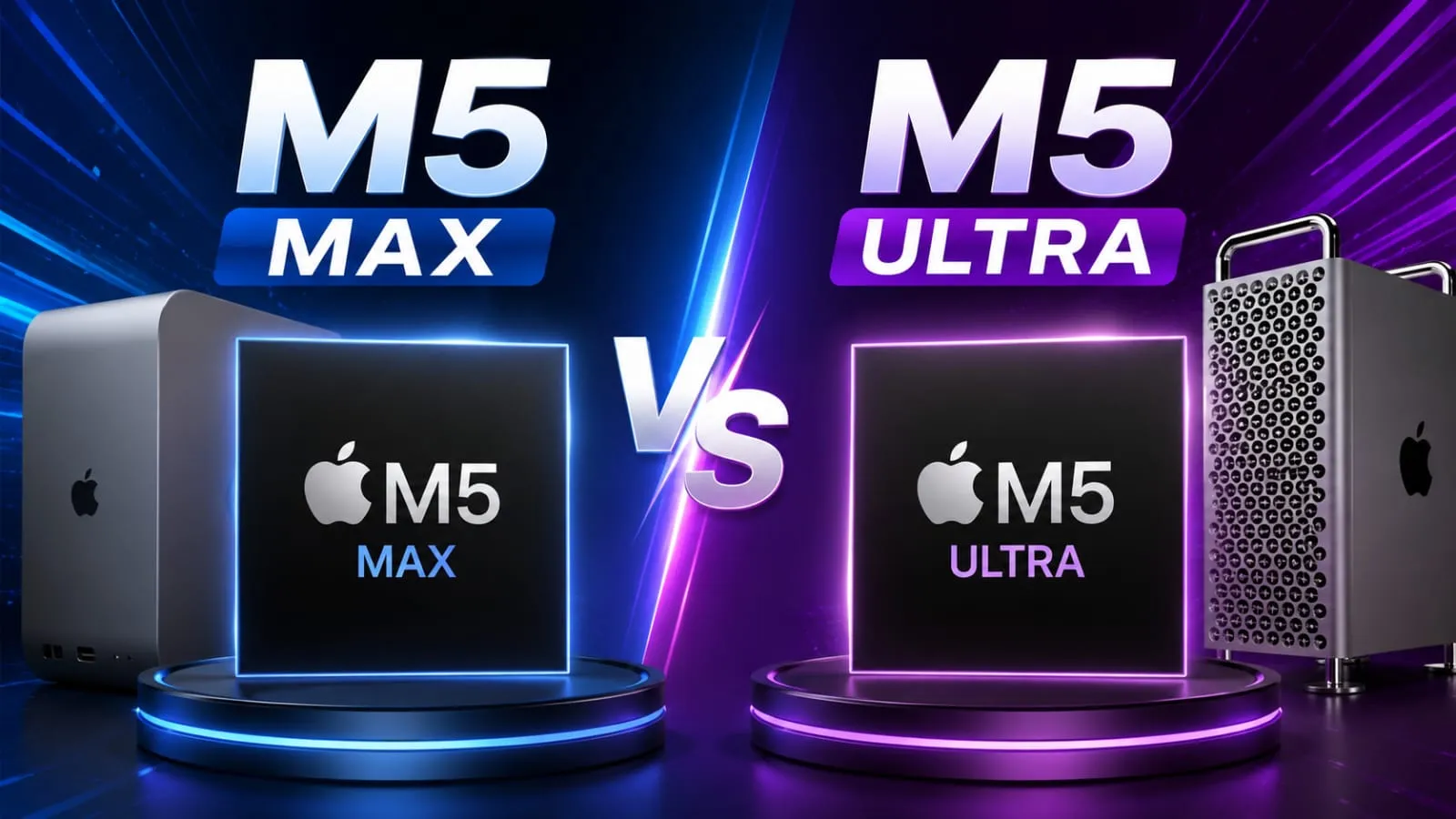
So this year Apple has just launched the new Mac Studio, and dude, it’s huge. If you’re thinking about choosing between the M5 Max vs M5 Ultra, you’re in the right place. I know these chip names can feel super confusing. Max, Ultra, Pro… there’s a lot. So let’s break it down easy and straight, like I’m explaining it to a friend over chai at a roadside stall.
In this article, we’ll look at the real specs, price, AI power, and who should buy which. Honestly, you don’t want to spend thousands of dollars and later regret the choice you made, right? So let’s figure it out today.
In This Article
ToggleHighlights
- M5 Max starts at $2,499 and comes with an 18-core CPU and up to a 40-core GPU.
- M5 Ultra starts at $5,499 and doubles up to a 36-core CPU and an 80-core GPU.
- Both ship with up to 512GB of memory on the Ultra side, and 128GB on the Max side.
- M5 Ultra brings a brand-new quad-die UltraFusion design, a first for Apple.
- Preorders are open now, with shipping starting September 22, 2026.
What Is New in the 2026 Mac Studio Lineup?
Before we jump into the Mac Studio M5 Max vs M5 Ultra fight, let’s talk about what actually changed. Apple kept the same box design. No new look, no new size. So if you already like how the Mac Studio looks on your desk, good news: nothing changes there.
The real update is inside. Apple swapped out last year’s M4 Max and M3 Ultra chips for the new M5 Max and M5 Ultra. In my experience, this is one of the biggest jumps Apple has made in a while, especially for AI work. Apple itself is calling this chip update a huge step forward for on-device AI, and honestly, the numbers back that up.
M5 Max vs M5 Ultra Specifications and Features
Now let’s talk numbers, because this is where the M5 Max vs M5 Ultra performance gap becomes clear.
M5 Max specs:
- 18-core chip, which includes 6 super cores and 12 performance cores
- Up to 40-core GPU with Neural Accelerators
- Up to 128GB unified memory
- Memory bandwidth up to 614GB/s
- Supports up to 5 displays
M5 Ultra specs:
- 12 super cores and 24 performance cores with a 36-core processor
- Up to 80-core GPU with Neural Accelerators
- Up to 512GB unified memory
- Memory bandwidth up to 1.2TB/s
- Supports up to 8 displays, including four 5K panels at 120Hz
If you think as I do, more cores and more memory sound nice on paper, but the real question is: do you actually need it? For most people editing videos or coding apps, the M5 Max is already a monster. The M5 Ultra is for people pushing much bigger jobs.
M5 Max vs M5 Ultra AI Performance: Who Wins?
This is the part everyone is asking about. AI work needs strong chips, and that is exactly what Apple is pushing hard with this update.
The M5 Ultra AI performance numbers are honestly wild. Apple says the M5 Ultra hits up to 4.3 times the AI compute of the older M3 Ultra chip. Compared to the very first M1 Ultra, that jump goes up to almost 9.8 times. That is not a small bump; that is a huge leap.
The M5 Max is no slouch either. It brings close to 3.9 times faster AI performance than its last-generation chip, which is great if you are running local AI models, doing image generation, or training smaller machine learning projects.
Here’s something cool for the tech nerds among us. You can actually connect multiple Mac Studios together using Thunderbolt 5 and something called RDMA. This lets several machines share memory as one big pool. So if you are a small AI team, you could link a few M5 Ultra Studios together and run really large open-source AI models locally, without sending your data to the cloud. In my experience, that kind of privacy and control is a big deal for businesses in both the USA and India who worry about data safety.
Can Claude AI Replace ChatGPT for Everyday Tasks?
This is a question I get asked a lot. And honestly, the answer depends on what you need.
For writing tasks, Claude AI is arguably better than ChatGPT. The writing feels more natural and less formulaic.
For coding, both are very close. Some developers prefer Claude for longer code tasks because of the bigger context window. Others prefer ChatGPT for its broader integration options.
For research, ChatGPT has an edge because it can browse the internet in real time more reliably on the paid plan. Claude is improving in this area, but ChatGPT still feels more up-to-date for current events.
For everyday productivity tasks like summarizing, drafting, and explaining things, Claude AI handles these very well and can easily replace ChatGPT for most users.
So no, Claude AI probably will not fully replace ChatGPT for everyone. But for many everyday tasks, especially writing and long document analysis, Claude AI actually does a better job.
Storage, Display, and Everyday Speed
Now let’s not forget the boring but useful stuff: storage and displays.
Both chips get a nice storage boost, up to 2 times faster than before, thanks to new PCIe 6-based SSDs. That means faster app loading, faster file transfers, and less waiting around.
Graphics also get better across the board, up to 1.8 times faster, and general CPU tasks are about 1.3 times quicker. It’s not a jaw-dropping leap for daily tasks like browsing or writing emails, but if you edit 4K or 8K video, you will feel the difference.
Display support is where the M5 Ultra clearly pulls ahead. It can drive up to 8 displays at once. The M5 Max tops out around 5 displays. Now let’s talk about who actually needs 8 monitors. Honestly? Very few people. But for trading floors, video editing suites, or big design studios, this matters a lot.
Mac Studio M5 Max vs M5 Ultra Price and Value
Okay, now the part that actually hurts a little: the price tag.
- M5 Max Mac Studio starts at $2,499
- M5 Ultra Mac Studio starts at $5,499
Compared to last year, prices went up. The base Mac Studio jumped by around $500, and honestly, that stings. If something is bad, I will say it clearly, and this price hike is one of those things. Component costs went up, memory prices went up, and Apple passed that along to us.
So is it worth it? Here’s my honest take. If you are a normal creator, developer, or someone doing light AI work, the M5 Max gives you more than enough power without draining your wallet. But if you work with massive AI models, huge video projects, or need serious multitasking across many displays, the M5 Ultra earns its higher price.
Which Is Better, M5 Max vs M5 Ultra Mac Studio?
I get this question a lot from friends, so let’s keep it simple.
Pick the M5 Max if:
- You edit videos in 4K, not constant 8K workloads.
- You do light to medium AI or coding work.
- You want to save money without giving up real performance.
Pick the M5 Ultra if:
- You train or run large AI models locally.
- You need tons of RAM, like 256GB or more.
- You work with multiple displays or heavy 3D rendering.
In my experience helping friends pick tech gear, most regular users end up happy with the Max version. The Ultra is really built for power users and studios, not casual buyers.
Final Thoughts on M5 Max vs M5 Ultra
So here it is, friends, a full and honest analysis of the M5 Max vs M5 Ultra Mac Studio lineup. Both chips are really quite impressive, and this time Apple has clearly focused a lot on AI performance. However, the price jump is also real, so think carefully before buying what you actually need the most.
If you ask me directly, I’d say most people should go with the M5 Max, unless their work really requires the extra power of the Ultra. Save the extra money, and maybe spend it on more storage or a nicer display.
Disclaimer: This article is written for general information purposes only, based on publicly available details at the time of writing. Prices, specifications, and availability may change. Please check Apple’s official website before making a purchase decision, as this article does not replace professional or official product advice.









FAQ's
What is the main difference between M5 Max and M5 Ultra?
The M5 Ultra has double the CPU cores, GPU cores, and memory compared to M5 Max, making it better for heavy AI and video workloads.
Is M5 Ultra Mac Studio worth the extra price?
Only if you run large AI models, heavy 3D work, or need multiple displays. Casual users usually don’t need that much extra power.
How much RAM can the M5 Ultra Mac Studio support?
The M5 Ultra Mac Studio supports up to 512GB of unified memory, great for huge AI models and demanding creative projects.
Does M5 Max support external displays well?
Yes, M5 Max supports up to five displays, which is plenty for most creators, though M5 Ultra goes further with eight displays.
When does the new Mac Studio ship?
The new Mac Studio with M5 Max and M5 Ultra chips started shipping around September 22, 2026, and is currently available to preorder.

Samshul Ansari is the Co-founder and author of Techallrounder.com. He covers the latest technology news, smartphone and laptop reviews, gadget comparisons, buying guides, and tech tips. His goal is to provide accurate, easy-to-understand, and up-to-date information that helps readers make better technology decisions.