
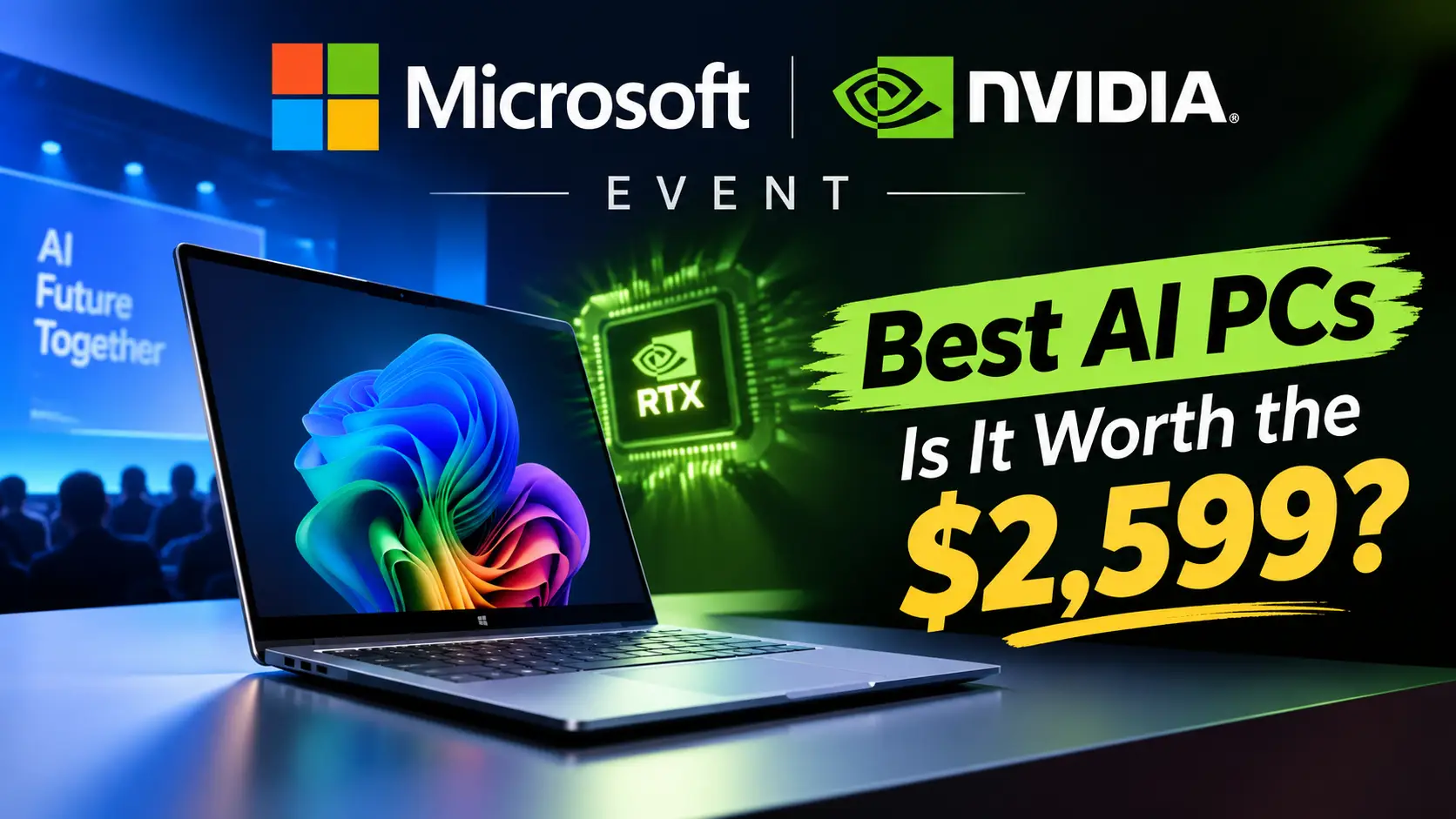
Tell me one thing, friend, and tell me the truth about what I asked. Did you ever imagine that a laptop could run large AI models without the cloud? Because I didn’t. But the Microsoft Nvidia event in San Francisco on October 7th changed my mind. Microsoft and Nvidia introduced the Surface Laptop Ultra, new Nvidia RTX Spark PCs, and a massive DGX Station for Windows. In this article, I’ll explain everything announced at the Microsoft and Nvidia events in simple terms to help you decide if any of them are worthwhile.
In This Article
ToggleHighlights
- Surface Laptop Ultra: A roughly 15-inch laptop or e-ski starting at $2,599
- NVIDIA RTX Spark PCs: Lenovo, HP Dell, Acer, ASUS
- Laptops and small desktops from MSI and Gigabyte
- Surface RTX Spark Dev Box: A basic small developer machine starting at $6,000
- NVIDIA DGX Station for Windows: A preview of a great deskside AI computer
- Windows AI update: Could feature secure local AI agents and improved copilot options
- Release date: Laptop pre-orders have begun, sales begin October 16th
That’s a brief overview of the Microsoft Nvidia event. Now let’s talk about each part individually.
Is the Surface Laptop Ultra Really Worth Your Money?
Let’s start with the star of the Microsoft NVIDIA event. The Surface Laptop Ultra is a 15-inch laptop and is said to be the most powerful Surface Laptop yet. The price starts at $2,599, and the top build with 128GB memory and 1TB storage goes up to about $5,900. Yes, that is a lot of money. However, this is not a normal office laptop.
Screen, Memory, and Ports
The screen is a PixelSense Ultra touchscreen with a Mini LED panel. It has a 3:2 shape and can reach 2,000 nits of peak HDR brightness. In simple words, it is very bright and great for photos and videos. You can pick 24GB to 128GB of unified memory, and storage from 512GB to 2TB. Microsoft also says it has the most ports of any Surface Laptop, which is good news for creators.
Cooling Matters More Than You Think
In my experience, heat is the biggest problem in thin laptops. Last year, my old laptop got so hot during a long video export that I had to put it on a book stand and aim a small fan at it. Microsoft says the new cooling system has up to 2.5 times the thermal capacity of its 15-inch Surface Laptop. If that works in real life, it is a big win.
What Are NVIDIA RTX Spark PCs and Why Should You Care?
Now let’s talk about the brain inside. NVIDIA RTX Spark puts a Grace CPU with up to 20 cores and a Blackwell RTX GPU with up to 6,144 cores on one platform. They share up to 128GB of memory, so the laptop does not waste time moving data around. NVIDIA says it can reach up to 1 petaflop of AI power for local models.
Think of it like a kitchen. The old way is one cook in a small kitchen, and he keeps walking to a far store for food. With NVIDIA RTX Spark PCs, the store is right inside the kitchen. Therefore, AI tasks run faster and your data can stay on your device.
Gaming is part of the plan too. At the Microsoft NVIDIA event, Gears of War: E-Day was shown running on the Surface Laptop Ultra. So, this is not only for coders. If you game and also edit videos, you may like this mix.
Which Other Brands Are Making NVIDIA RTX Spark PCs?
Microsoft is not alone here. This Microsoft NVIDIA partnership also brings laptops from Acer, ASUS, Dell, HP, Lenovo, MSI, and Gigabyte. Preorders for the partner laptops are open, and they arrive on October 16. Small desktop versions will follow in November. So, you will have many choices at many prices.
There is also the Surface RTX Spark Dev Box. It is a small desktop for developers with the same RTX Spark power and up to 128GB of memory. The price starts at $6,000. Honestly, this one is for professionals and teams, not for regular home use.
What Is NVIDIA DGX Station for Windows?
This is the wild one. NVIDIA DGX Station is a deskside AI computer, and at this Microsoft NVIDIA event a Windows version was previewed. It uses the GB300 Grace Blackwell Ultra chip with about 748GB of memory and up to 20 petaflops of AI power. NVIDIA says it can run models as big as one trillion parameters on your desk.
However, please note one thing. It is only a preview for now. I did not find a final price or a sale date. Also, this is made for companies and AI teams, so most of us will never buy it. Still, it shows where Microsoft NVIDIA AI PCs are heading.
How Will Windows 11 Handle Local AI Agents Safely?
AI agents are small helpers that can do tasks on your PC, like writing code or sorting files. That sounds nice, but it can also be risky. Therefore, Windows 11 will use Microsoft Execution Containers. They keep each agent task in its own safe box, so it cannot touch parts of your system without permission.
Copilot is also getting smarter. It can pick between a model on your device and a model in the cloud, based on the task. I like this idea, because simple jobs stay private and fast. If you think like I do, you will want that choice in your hands. Smart step from the Microsoft NVIDIA event.
What Is Good and What Is Not So Good?
Let me be honest about the Microsoft NVIDIA event. The good part is real. Local AI power, a bright screen, strong cooling, and many ports make the Surface Laptop Ultra a serious machine for creators and coders.
Now the bad part. The price is high, and rising hardware costs make it worse. One report says NVIDIA’s DGX Spark desktop is now 75% more expensive than before. Also, this is an Arm-based chip. Many apps run natively on Arm, but some older apps may not, so check your must-have software first.
Should You Buy One After the Microsoft NVIDIA Event?
Here is my simple advice. Buy it if you edit video, build 3D models, write code, or work with AI daily. For students, office users, and casual browsing, it is too much. A normal laptop will do the job for much less.
Also, I would wait for real reviews. Specs look great on stage, but battery life and fan noise only show up in daily use. Before you spend $2,599 or more, read hands-on tests after the October 16 release. Therefore, patience can save you money.
Final Thoughts on the Microsoft NVIDIA Event
There was a clear plan at Microsoft and Nvidia’s events: AI should run on your own PC. The Surface Laptop Ultra, Nvidia RTX Spark PC, and DGX Station are all moving in this direction. I liked their thinking, but I’ll wait to test it. What are your thoughts on this, my friend? Would you pay for local AI power?
Disclaimer: This article is for informational purposes only. Prices, specifications, and dates are taken from event reports and may change mid-stream. Before making any purchases, please visit the official Microsoft and NVIDIA websites to confirm.





FAQ's
What is Claude AI, and who made it?
Is Claude AI free to use?
How is Claude AI different from ChatGPT?
Can Claude AI write articles and blog posts?
Is Claude AI safe for professional use?
What are the best use cases of Claude AI in 2026?

Deepak Kumar is the founder and author of Techallrounder.com. He covers the latest technology news, smartphone and laptop reviews, gadget comparisons, buying guides, and tech tips. His goal is to provide accurate, easy-to-understand, and up-to-date information that helps readers make better technology decisions.