
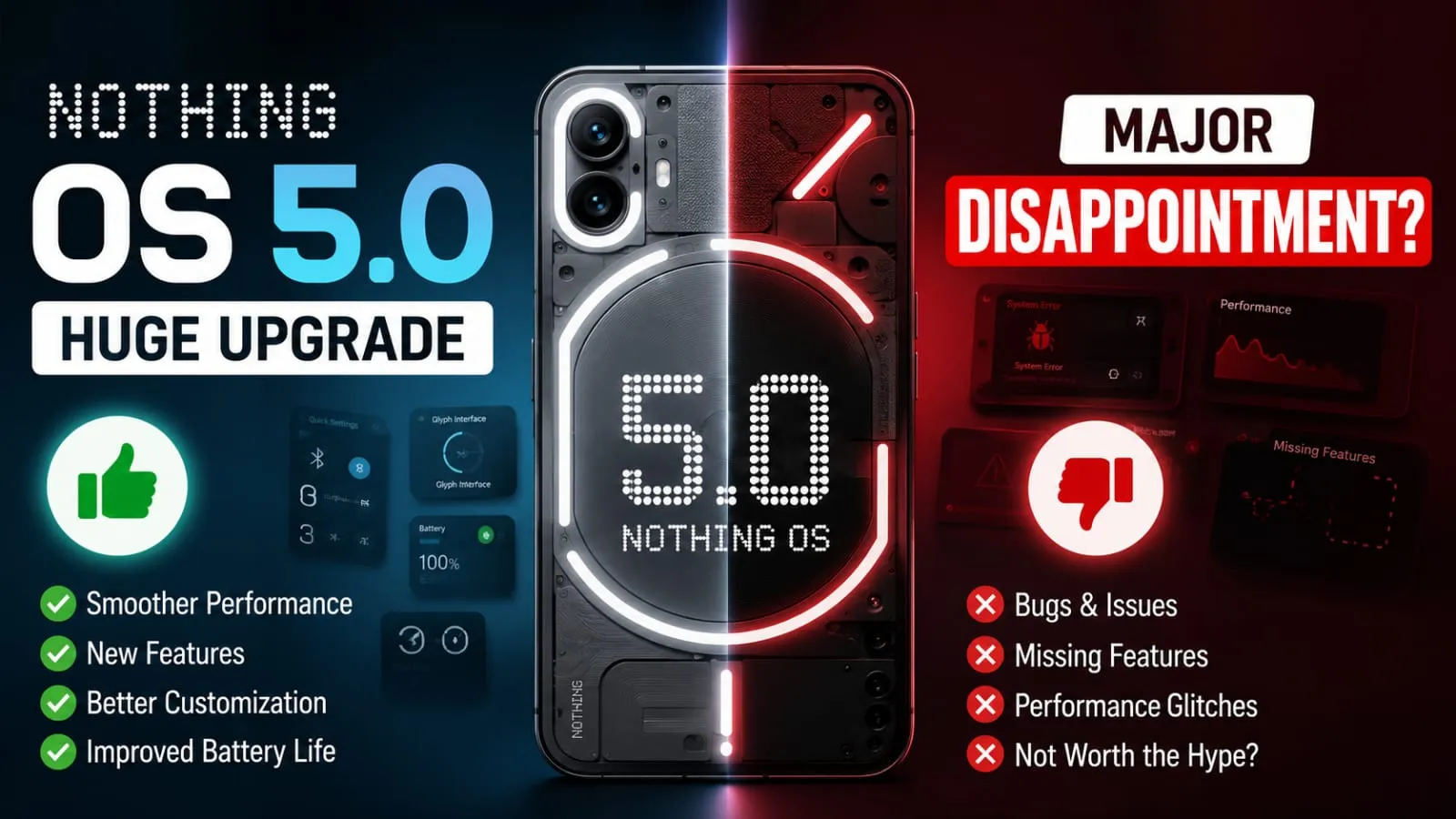
Hey friend, have you heard any big news recently? Nothing OS 5.0 has finally arrived, and I’m super excited to talk to you about it. If you have a Nothing phone, or if you’re just curious about cool technology, this update is definitely going to make you smile.
I still remember the first time I used a Nothing phone. Its clean look and Glyph lights made me feel like I was using something different, something really special. Now, with Nothing OS 5.0, that same feeling is back, but this time you’re going to get something even bigger and better.
In this article, I’ll explain everything in simple words, as if I’m talking to a friend over coffee. No difficult words, no boring technical stuff. So let’s go; I’m really looking forward to chatting with you about this today.
In This Article
ToggleQuick Highlights of Nothing OS 5.0
- Built on Android 17
- Brand new Geist typeface for a cleaner look
- Over 80 new features and small improvements
- Fresh AI tools built right into the phone
- New lock screen styles and wallpaper-based colors
- A dedicated Glyph app for the first time
- Open beta starts on Nothing Phone 3 this week.
- Full rollout begins in mid-October
What Is Nothing OS 5.0 and Why Does It Matter?
So, what exactly is Nothing OS 5.0? In simple words, it is the newest software update from Nothing, built on top of Android 17. Think of it like a fresh coat of paint on your house, but also new furniture, better lighting, and smarter gadgets inside too.
This is not just a small patch. Nothing has packed in a huge design change along with smarter AI tools. Tell me the truth, don’t you love it when your phone feels brand new after an update? That is exactly what this one promises.
New Design: Does It Really Look Different?
Yes, buddy, it really does. The whole interface has a fresh face now. Nothing OS 5.0 uses a new font called Geist, and honestly, it looks much cleaner than before.
Here is what changed on the design side:
- A translucent, frosted look for widgets and search bars
- Redesigned icons across the Settings, camera, and gallery apps
- A cleaner and simpler status bar
- Smoother animations when you open apps or switch screens
In my experience, small design changes like this make a huge difference in daily use. You open your phone a hundred times a day, so if it looks fresh and smooth, your mood stays good too.
How Much Personalisation Does Nothing OS 5.0 Offer?
This part is honestly my favorite. Nothing OS 5.0 gives you way more control over how your phone looks. You get two brand-new lock screen clock styles called Gooey and Micrographics, and both let you pick your own colors.
Also, your wallpaper now decides the color theme of your whole phone. So if you set a blue sky wallpaper, your icons and buttons can match that blue shade automatically. That is a smart little touch.
If you think as I do, you probably enjoy setting up your phone just the way you like it. This update gives you many more tools to do exactly that.
What AI Features Does Nothing OS 5.0 Bring?
Now let’s talk about the part everyone is asking about: the AI upgrades. Nothing OS 5.0 AI features are focused on making daily tasks easier, not just showing off fancy tricks.
The update expands the Essential Space tool, which helps you save notes, screenshots, and ideas in one smart place. There is also a new feature that lets you build small apps using Essential Apps, which sounds pretty amazing for beginners who have never coded before.
However, I must be honest here. Some AI features may only work well on newer chipsets, so older phones might not get the full experience. That is something you should keep in mind before getting too excited.
Nothing OS 5.0 Android 17: What Extra Features Come With It?
Since this update runs on Android 17, it also brings some platform-level changes that are genuinely useful:
- Separate panels for Notifications and Quick Settings
- Cross-platform Quick Share that works with iPhones too
- Clearer privacy indicators showing camera, mic, or location use
- Better dark theme support across more apps
- A redesigned Recents screen for switching apps faster
These are not flashy features, but they solve real everyday problems. And honestly, that is what good software should do.
Nothing OS 5.0 Release Date and Eligible Phones
Alright, now the question you really came here for. When can you get Nothing OS 5.0 on your phone?
The open beta rollout starts with the Nothing Phone 3, and the full stable update is expected around mid-October. Other eligible devices will join the beta over the coming weeks, with the general rollout stretching into January for some models.
Sadly, there is some bad news too. The Phone 1, Phone 2, and CMF Phone 1 will not get this update since they have reached the end of their software support. If you are using one of these, it might be time to think about an upgrade.
Now let’s talk about who actually gets Nothing OS 5.0. Ten devices made the eligible list, and buddy, that is a pretty good number. Along with the Phone 3, the update will also reach the Phone 4a Pro, Phone 4a, Phone 4b, Phone 3a, Phone 3a Pro, Phone 3a Lite, Phone 2a, Phone 2a Plus, and the CMF Phone 2 Pro.
Each phone has its own beta and stable release window, so your phone might not get it on the exact same day as your friend’s phone, and that is completely normal. In my experience, mid-range and A-series phones usually join the beta a little later than the flagship, so if you own a 3a or 2a series phone, just be a bit patient, buddy; your turn will come by November or December at the latest.
Is Nothing OS 5.0 Worth the Hype?
Honestly speaking, yes, it looks like a solid step forward. The design feels fresh, the personalisation options are genuinely fun, and the AI tools are practical rather than just for show. However, I would say wait for the stable release before installing the beta, especially if your phone is your daily driver.
In my experience, beta versions can have small bugs here and there. So unless you enjoy testing new things, it is smarter to wait for the final stable version in October.
Final Thoughts
So buddy, that was everything about Nothing OS 5.0 in simple words. It brings a fresh design, smarter personalisation, and useful AI tools, all built on the latest Android 17 base. If you own a Nothing Phone 3, keep an eye out for that beta update soon.
What do you think? Are you excited to try it out? Let me know your thoughts.
Disclaimer: This article is written for general information purposes only, based on publicly available announcements from Nothing as of August 2026. Features, rollout timelines, and device eligibility may change. Please check Nothing’s official website or app before making any decisions.






FAQ's
What is Nothing OS 5.0?
It is Nothing’s newest software update, built on Android 17, bringing a fresh design, better personalisation, and smart new AI-powered tools for daily use.
When will Nothing OS 5.0 release?
Open beta starts on Nothing Phone 3 this week, while the full stable rollout is expected to begin around mid-October for most eligible devices.
Which phones will get the Nothing OS 5.0 update?
Most recent Nothing phones will get it, but Phone 1, Phone 2, and CMF Phone 1 are excluded since their software support has ended.
What new AI features come with Nothing OS 5.0?
It expands Essential Space, adds app creation tools called Essential Apps, and brings smarter suggestions to help you manage notes and tasks easily.
Does Nothing OS 5.0 change the phone's design?
Yes, it introduces a new Geist font, translucent widgets, redesigned icons, wallpaper-based colors, and smoother animations across the entire interface.

Deepak Kumar is the founder and author of Techallrounder.com. He covers the latest technology news, smartphone and laptop reviews, gadget comparisons, buying guides, and tech tips. His goal is to provide accurate, easy-to-understand, and up-to-date information that helps readers make better technology decisions.