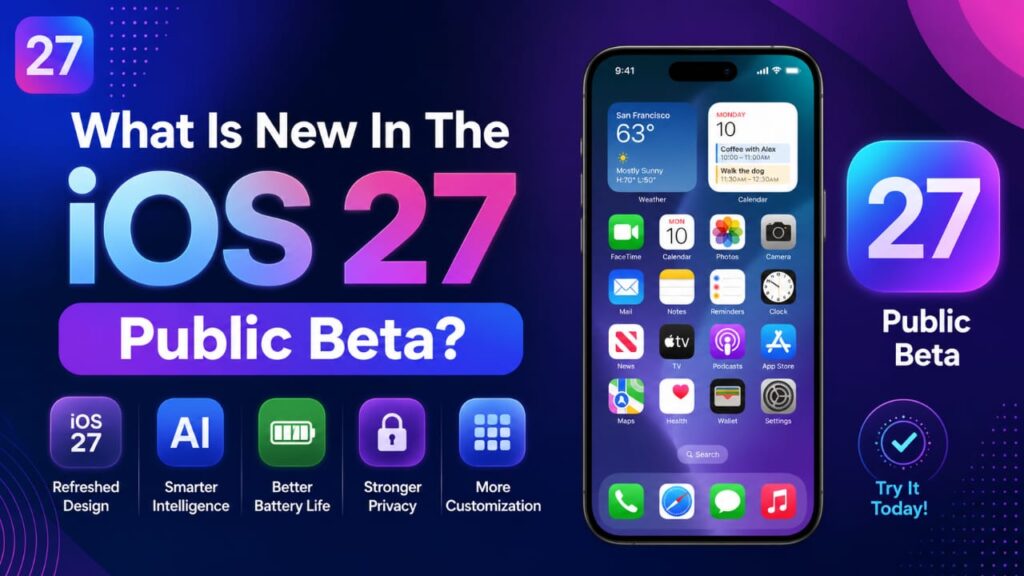
What Is New In The iOS 27 Public Beta?
In my experience, every big Apple update brings one headline feature, and this year it is Siri AI. It is a smarter Siri that now has its own app, so you can start a chat, go do something else, and come back to it later. Sounds neat, but here is the catch: this feature has a waitlist, and it is not fully open for everyone at once.
Apple also gave the Screen Time section a fresh new look. Parents get more control now, like setting how long kids can use social apps or games each day. There is even an Ask To Browse option, so kids need approval before opening a new website. If you have children using your old iPhone, this alone might be worth checking out.
The Liquid Glass design from last year got a little polish too. It looks cleaner, and text is easier to read now. Photos app also picked up smarter editing tools that can remove unwanted objects or stretch a photo to fill more space using AI.
Should You Install iOS 27 Public Beta Now?
Here is my honest take. If your iPhone is your only phone, the one you use for calls, work emails, and UPI payments, please wait. I made this mistake two years back when I installed a beta on my main phone before an important work trip, and my banking app kept crashing at the worst possible moment. Never again.
But if you or someone in your family has an old iPhone lying around, or if there’s just a second device for testing, then go ahead and try the iOS 27 public beta. It is actually a fun way to see new features early without any real risk.
iOS 27 Compatible iPhones And How To Download
The good news is that iOS 27 works on the same iPhones as iOS 26, so nothing gets left behind this year. That means iPhone 11 and every phone launched after it can run this update. However, Siri AI and a few Apple Intelligence tools only work on iPhone 15 Pro and newer models.
Here is how you can grab the iOS 27 Public Beta Download:
- Visit beta.apple.com and sign up for the free Apple Beta Software Program.
- Open Settings on your iPhone, then go to General, then go to the Software Update option.
- Tap on Beta Updates and select the iOS 27 Public Beta.
- Restart your phone if you do not see it right away, then install
Before you tap Install, please back up your iPhone. This step takes five minutes and can save you a lot of stress later.
iOS 27 Battery Life And Bugs, The Honest Part
Now let’s talk about the part nobody likes to mention: battery life. Early reports and my own testing show that this year’s developer betas have actually been more stable than usual. Battery drain is noticeably better compared to previous beta cycles, which is a nice surprise. That said, this is still beta software, so expect the odd app crash or a slower morning here and there.
If you think as I do, a little instability is fine on a backup phone, but not on the device you rely on daily.
iOS 27 Public Beta vs Stable Release
The stable release is expected around September 14, as usually happens after Apple’s usual September keynote. If you want every app to work perfectly and no surprises, the stable release is the safer option. If you like trying out new things early and don’t mind small glitches, the public beta is waiting for you right now. You can try it out.
Disclaimer
This article is based on publicly available info and beta test reports at the time of writing. Software features, timelines, and performance might change before the final release. Always make sure to back up your device before installing any beta software, and try not to install it on your main or work phone.