
Tech all rounder

Best AI PDF Summarizer Tools: Free Paid Picks for 2026
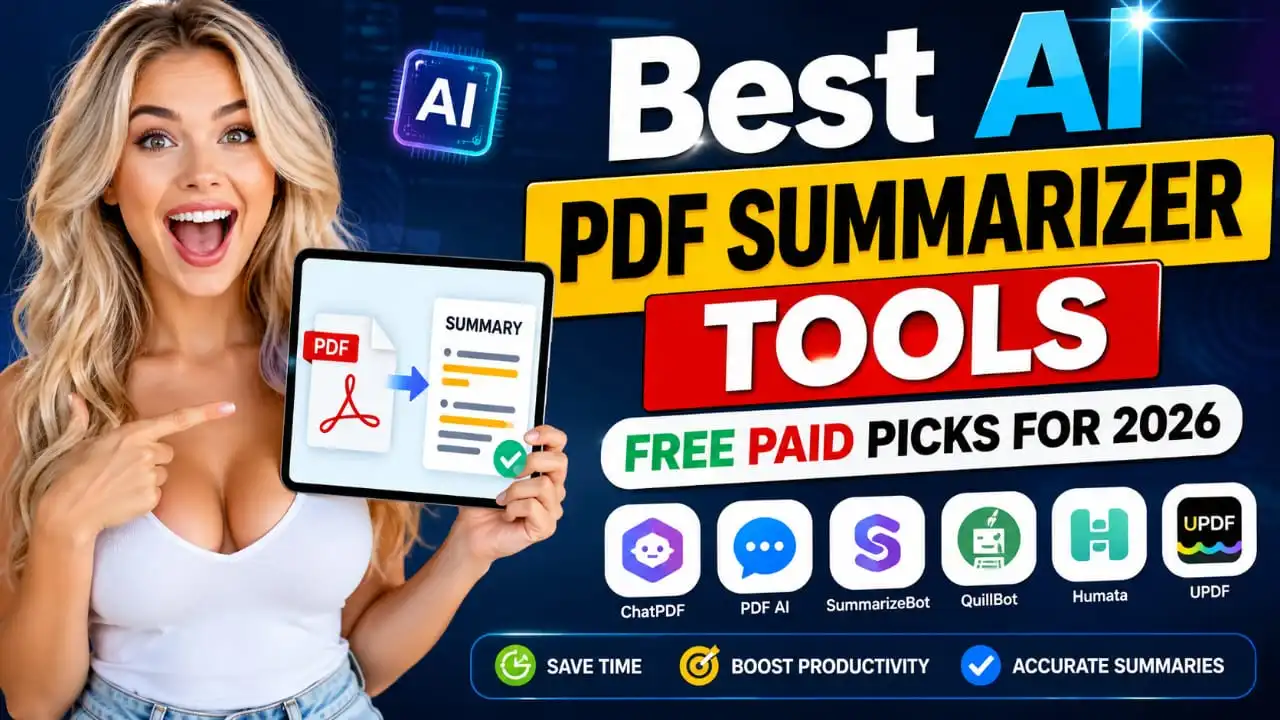
Best AI PDF Summarizer Tools: Free Paid Picks for 2026

If you’ve ever opened a 60-page PDF and already felt overwhelmed before reading the first line, raise your hand. I’ve been there too, my friend. Just last month, I got a lengthy research report for one of my finance articles, and honestly, it would take me the entire evening to read the whole report. That’s when I turned to the Best AI PDF Summarizer Tools, and my evening was saved, and I fully enjoyed it there. In this article, I will tell you about the best AI PDF summarizer tools available in 2026, including both free and paid tools. Honestly, don’t you also want someone to give you the main points of a long PDF ready in seconds? That’s exactly what these tools do. Highlight key Which free AI PDF summarizer works best for students on a budget Why paid tools give you more accuracy for legal and business documents How an AI PDF summarizer actually reads and shortens your file The one mistake people make when trusting AI summaries blindly Our honest pick for the best free AI PDF summarizer for students What Is an AI PDF Summarizer and Why Do You Need One? An AI PDF summarizer is a handy tool that goes through your whole PDF and gives you a quick summary of the key points. Instead of reading 40 pages, you get a short, clear summary in a few seconds. In my experience, this saves so much time when you are dealing with contracts, research papers, or long reports for work. These tools use AI models to understand the meaning behind the text, not just shorten sentences randomly. So a good AI tool for PDF summary should keep the important facts and drop the filler. Best Free AI PDF Summarizer Tools Options You Can Try Today Now let’s talk about the free options, since most people want to try before they pay for anything. Best Free AI PDF Summarizer Tools ChatPDF This one lets you upload a PDF and chat with it like a friend. You get a summary the moment you upload, and you can ask follow-up questions too. The free plan gives you a couple of PDFs per day without signing up, which is decent if you just need a quick summary once in a while. Google NotebookLM This is Google’s free tool, and it is genuinely impressive. Besides summarizing, it can turn your document into a podcast-style audio, with two AI voices discussing your PDF. If you like listening while walking or driving, this feature is a nice bonus. QuillBot Summarizer If your PDF summary needs some polishing or rewriting along with shortening, QuillBot is a solid pick. The free plan has a word limit, so it works better for shorter documents rather than huge reports. NoteGPT NoteGPT also creates mind maps alongside your summary, which helps if you like seeing how ideas connect visually instead of just reading plain text. The free plan has limited monthly use, though. If you think as I do, and you mostly need quick summaries without spending money, these free tools cover most everyday needs. Best Paid AI PDF Summarizer Tools for Serious Work If you regularly work on long, technical, or important documents, paid tools are right for you. Here is why. Denser Denser stands out because it shows you the exact spot in the original PDF where a fact came from. This is great if you need to double-check something quickly, especially for work reports or research. The free plan has limited functionality, but premium users can get summaries of multiple documents in one place. Adobe Acrobat AI Assistant Since Adobe already owns the PDF format, their AI summary feature is built right into Acrobat. It creates a full outline with headings and bullet points for each section, which is handy for long business documents. Smallpdf Smallpdf started as a basic PDF editor but now has strong AI features too. It also works with Word files, PowerPoint, and even images, so it is not just limited to PDFs. Most useful features are behind their paid plan, though. SciSpace If you are a student or researcher working with academic papers, SciSpace is built just for that. It connects with millions of research papers, so if your PDF is part of academic work, this saves a ton of time. Also Read : Best AI Voice Generator Tools for Realistic TTS Results Free vs Paid: Who is actually better for you in real life? Here is the honest truth. If you only need summaries once in a while for simple documents, free tools like ChatPDF or NotebookLM work just fine. But if your PDFs are long, technical, or have a lot of tables and data, paid tools give you better accuracy and fewer mistakes. I will be honest with you: AI summaries are not perfect. They can miss small details or misread complex data, especially in scanned documents or files with lots of tables. So always treat the summary as a starting point, not the final word. If something looks important, like a number or a date, double-check it in the original PDF. Our Pick for Best Free AI PDF Summarizer for Students If you ask me which is the best free AI PDF summarizer for students, I would say NotebookLM and ChatPDF together cover most needs. NotebookLM is great for turning lecture notes into something you can listen to, and ChatPDF is fast for quick questions about your reading material. Final Thoughts Whether you choose free or paid options, an AI PDF summarizer that provides accurate summaries can really change the way you read long documents. In my experience, using these tools daily has cut my reading time to less than half, and now that time goes into applying what I’ve learned, instead of just skimming through pages like glasses. Disclaimer This article is based on general research and personal testing experiences. The pricing, features, and limitations of free plans mentioned above may change over time, so … Read more
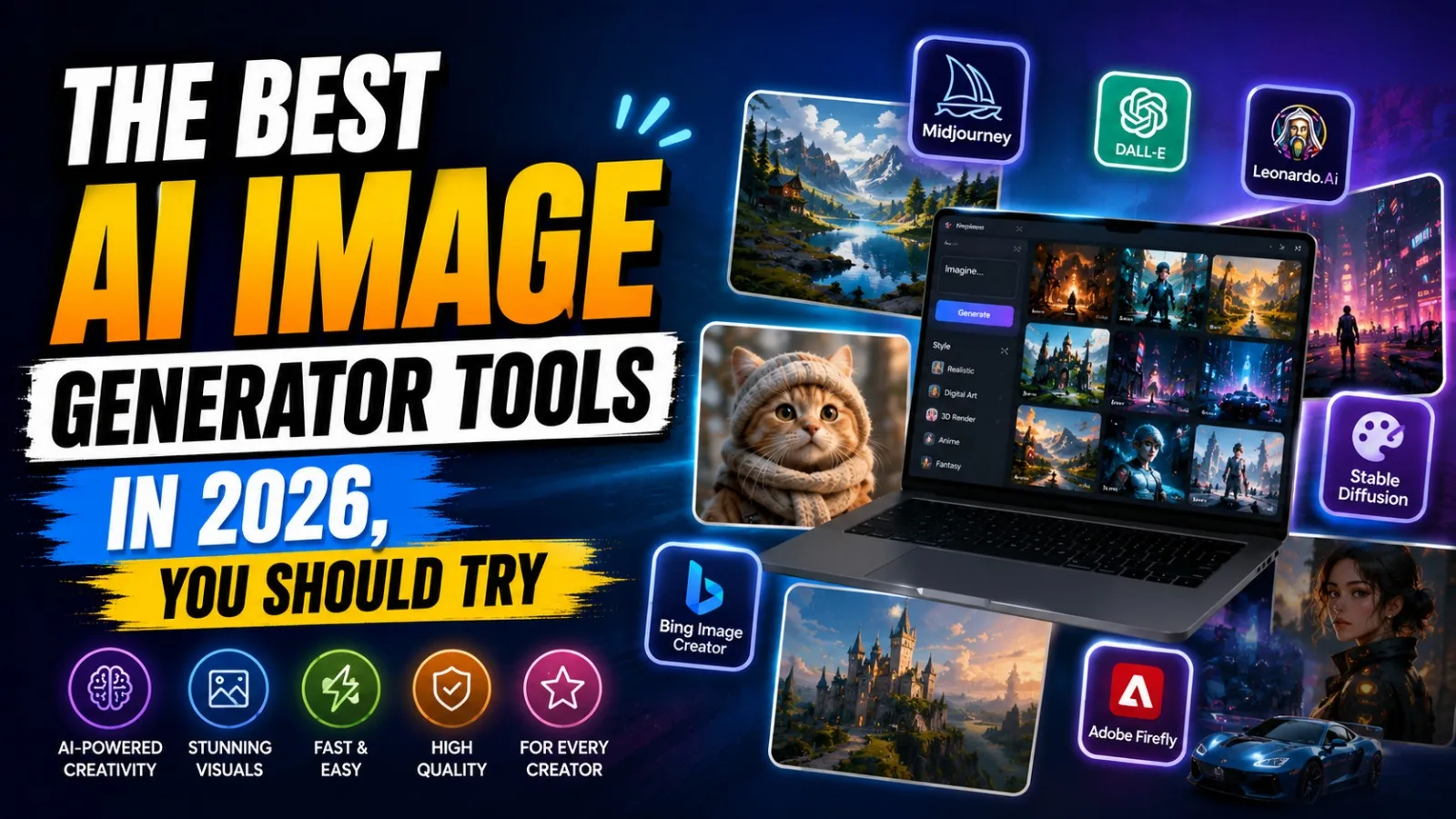
Complete Guide to the Best AI Image Generator Tools in 2026

The Best AI Image Generator Tools in 2026: Complete Guide

Hey friend, the best AI image generator tools in 2026 that you should try. If you’re into content creation, marketing, or just love making cool images, you already know that AI image generator tools have completely changed the game in this field in 2026. I remember the first time I used an AI tool to make a thumbnail, and honestly, I was blown away by how fast and well it works. Now, you don’t need to wait for a designer or spend hours in Photoshop. In this article, I’ll show you the top AI image generator tools worth trying in 2026. I’ve tried many of these for my own content work, so trust me, this isn’t just some random list copied from the internet. Let’s dive in. Highlight key Here is what you will learn in this guide: Which AI Image Generator Tools are actually worth your time in 2026 Free AI Image Generator tools that don’t put a watermark on your images Best tools for realistic images, text inside images, and fast social media content Honest pros and cons, not just hype Why Are AI Image Generator Tools So Popular Right Now? Tell me the truth; who has time to sit for hours designing a single image? These days, everyone wants fast results. Whether you need a YouTube thumbnail, a product photo, or just a fun picture for Instagram, AI Image Generator Tools do the job in seconds. That is the real reason why so many creators, marketers, and even small business owners are switching to these tools. The Best AI Image Generator Tools in 2026 You Should Try Google Gemini (Nano Banana Pro) In my experience, this is one of the best free AI Image Generator tools you can use right now. It gives clear, realistic images and handles small details really well. The best part is you can use it without paying anything, which makes it great for beginners. It also lets you upscale images and remove backgrounds easily. Midjourney V7 If you want artistic and cinematic-looking images, Midjourney is still the king. This tool is more about creative and beautiful art-style images rather than plain realistic photos. If you think as I do, that art should feel alive, Midjourney will not disappoint you. The only downside is it is a bit slower, and you need a paid plan for full access. Adobe Firefly Firefly is made for people who care about safe and legal image use, especially designers and businesses. It is trained on licensed content, so there is less worry about copyright issues. It works smoothly with Photoshop and Illustrator too. This is one of the best AI image generators for Designers who already use Adobe tools daily. ChatGPT (GPT Image) Honestly, ChatGPT is the easiest tool for beginners. You just type what you want in simple words, and it gives you the image right there in the chat. No complicated settings, no confusion. If you are new to Text to Image AI tools, start here. Also Read : Claude AI Review: Pros, Cons & Use Cases – Is It Worth Using in 2026? Ideogram 3 Now let’s talk about a common problem: text inside AI images looking weird or broken. Ideogram fixes that. If you need images for YouTube thumbnails, banners, or posters with clear, readable text, this tool does it better than most others. FLUX.2 This one is great if you want more control and even self-host your own setup. It is popular among developers and advanced users who want to connect it with their own apps or websites. Leonardo.ai Leonardo works like a full creative studio. It lets you sketch something rough, and the AI turns it into a proper image in real time. It also has a decent free plan, which is good news if you are just starting out. Which One Is Best for Realistic Images in 2026? If your main goal is realistic photos, Nano Banana Pro from Google and Adobe Firefly are your safest bets. They handle lighting, face and body textures, and small details in a very good and natural way. I have tried both for my own site images, and honestly, they saved me a lot of time. Free AI Image Generator Tools Worth Trying Not everyone wants to pay right away, and that is fair. Google Gemini and ChatGPT both offer solid free options. Leonardo.ai also gives free credits daily, which is enough if you are just experimenting or making content for personal use. Also Read : Can AI Tools Write High-Quality Blog Posts? Complete Guide My Honest Opinion Tell me the truth: no tool is perfect. Midjourney looks amazing but costs money. ChatGPT is easy but sometimes lacks fine control. Nano Banana Pro is a great mix of free and quality features, but it can feel slow during high-traffic times. So my advice, buddy, don’t stick to just one tool. Try two or three based on what you need. Final Thoughts In 2026, AI image generator tools aren’t just for fun anymore – they’ve become a real part of everyday content work. Whether you’re a student, blogger, YouTuber, or business owner, there’s definitely a tool for you. Just pick what you need – realistic photos, artistic style, or quick social media content, and you’re all set. Related Post Complete Guide to the Best AI Image Generator Tools in 2026 Lenovo Legion Y700 AI Tablet: Price, Specs & Gaming Review (2026) OPPO Reno 16 vs Vivo V70 Elite: Ultimate Buying Guide Top 5 Upcoming Mobile Phones India July 2026 Buying Guide 7 Amazing Samsung Galaxy S26 Ultra Features You Must Know 1 2 Earbuds OPPO Enco Air 5 India Launch Confirmed: Amazon Teaser is Live! 5 Best Earbuds of 2025: Sound, Battery, and Reviews Top 10 Earbuds in India 2026 – Best Wireless & Budget Picks Vivo Over-Ear ANC Headphones: 7 Powerful Features Revealed Realme Buds Air 8 Pro Review: Best ANC Earbuds Under ₹6,999 1 2 Laptops Lenovo Legion Y700 AI Tablet: Price, Specs & … Read more

Best AI Tools in 2026: Top 25 Free & Paid Options

Best AI Tools in 2026 – Top 25 Free & Paid AI Software

Introduction: AI Tools Are Everywhere Now Okay, let me be honest with you. When I first started using AI tools two years ago, I had no idea what I was doing. I just typed something random into ChatGPT and hoped for the best. But today? AI is literally part of my daily work routine, and I cannot imagine working without it. If you are looking for the best AI tools in 2026, you are in the right place. Whether you are a student, a blogger, a business owner, or just someone who wants to save time, there is an AI tool made just for you. In this article, I am going to walk you through the top 25 free and paid AI tools in 2026 that are actually worth your time. No fake hype. No robotic list. Just real, honest talk. Let’s go. Highlight key Feature Details Total Tools Covered 25 (Free + Paid) Categories Writing, Image, Video, Chatbot, Automation, Business Best Free Tool ChatGPT Free / Gemini Free Best Paid Tool Claude Pro / Jasper AI Best for Students Notion AI, Perplexity AI Best for Business HubSpot AI, Salesforce Einstein Best for Creators Runway ML, Canva AI Quick Summary Table: All 25 AI Tools at a Glance Tool Category Free Plan Paid Plan ChatGPT Chatbot Yes $20/mo (₹1,895/mo) Claude Chatbot Yes $20/mo (₹1,895/mo) Google Gemini Chatbot Yes $19.99/mo(₹1,894/mo) Meta AI Chatbot Yes Free Perplexity AI Chatbot Yes $20/mo (₹1,895/mo) Jasper AI Writing No $49/mo(₹4,642/mo) Copy.ai Writing Yes $49/mo(₹4,642/mo) Writesonic Writing Yes $16/mo(₹1,516/mo) Notion AI Writing Yes $10/mo(₹948/mo) Grammarly Writing Yes $30/mo(₹2,842/mo) Rytr Writing Yes $9/mo(₹853/mo) Midjourney Image No $10/mo(₹948/mo) DALL-E 3 Image No $20/mo(₹1,895/mo) Adobe Firefly Image Yes CC plan Canva AI Image Yes $12.99/mo(₹1,231/mo) Leonardo AI Image Yes $12/mo(₹1,137/mo) Runway ML Video Yes $15/mo(₹1,421/mo) Sora Video NO $200/mo(₹18,948/mo) Synthesia Video NO $29/mo(₹2,748/mo) Pictory AI Video Trial $19/mo(₹1,800/mo) Zapier AI Automation Yes $19.99/mo(₹1,894/mo) Make Automation Yes $9/mo(₹853/mo) n8n Automation Yes $20/mo(₹1,895/mo) HubSpot AI Business Yes $20/mo(₹1,895/mo) Salesforce Einstein Business No $25/user/mo(₹2,369/user/mo) Best AI Tools in 2026: Full List by Category list Best AI Chatbot Tools in 2026 Here is the full breakdown of all 25 tools. I have divided the best AI tools into different categories so that it becomes even easier for you to find what you need. 1. ChatGPT (OpenAI) Type: Free & Paid Price: Free & $20 per month (Plus) Best For: Writing, coding, research, daily tasks Verdict: Still the most popular AI chatbot in 2026. The free version is good, but the Plus plan gives you GPT-4o with image, voice, and file reading features. If you are new right now and just starting out with AI, then you can start your first step from here. 2. Claude (Anthropic) Type: Free & Paid Price: Free / $20 per month (Pro) Best For: Long-form writing, content creation, analysis Verdict: In my experience, Claude gives the most natural and human-like writing output. Great for bloggers and writers. The free plan has output limits, but the Pro plan is totally worth it. 3. Google Gemini Type: Free & Paid Price: Free / $19.99 per month (Advanced) Best For: Google Workspace users, research, summarizing Verdict: Gemini works best if you already use Gmail, Google Docs, or YouTube. It connects with all Google apps smoothly. Good free plan, and the Advanced version has strong reasoning ability. 4. Meta AI Type: Free Price: Completely Free Best For: Quick questions, WhatsApp and Instagram users Verdict: It is built inside WhatsApp, Instagram, and Facebook. No separate app needed. It is surprisingly useful for fast, everyday tasks, and it costs you nothing. 5. Perplexity AI Type: Free & Paid Price: Free / $20 per month (Pro) Best For: Research, fact-checking, finding sources Verdict: Think of it as a smarter Google. It gives answers with real links and sources, which is great for students and researchers. In my opinion, the free version handles most daily research needs fairly well. AI Writing Tools (6-11) 6. Jasper AI Type: Paid Only Price: Starts at $49 per month Best For: Marketing copy, long blogs, business content Verdict: One of the best AI writing tools for serious content businesses. It has great templates for blogs, ads, and emails. The only downside is the high price. Not ideal for beginners or students. 7. Copy.Ai Type: Free & Paid Price: Free / $49 per month (Pro) Best For: Short-form content, social media, email copy Verdict: Copy.ai is very easy to use. The free plan gives 2,000 words per month, which is enough to test it out. Great for writing product descriptions, ad copies, and Instagram captions quickly. 8. Writesonic Type: Free & Paid Price: Free / $16 per month (Individual) Best For: SEO blogs, articles, landing pages Verdict: One of the most affordable AI writing tools with an SEO focus. It connects with Surfer SEO and creates content that is optimized for Google ranking. Good choice for bloggers on a budget. 9. Notion AI Type: Free & Paid (Add-on) Price: Free / $10 per month (AI add-on) Best For: Students, productivity, note-taking, project management Verdict: If you already use Notion, adding AI to it is a no-brainer. It can summarize your notes, write content, create to-do lists, and answer questions based on your saved documents. Very useful and affordable. 10. Grammarly Type: Free & Paid Price: Free / $30 per month (Pro) Best For: Grammar, tone, clarity, brand voice Verdict: Grammarly has upgraded heavily in 2026. It now does full AI writing assistance, not just grammar checks. It is a must-have tool if you write emails, reports, or blog posts regularly. The free version handles basic grammar well. 11. Rytr Type: Free & Paid Price: Free / $9 per month (Saver) Best For: Budget users, quick content, emails, bio writing Verdict: Rytr is one of the cheapest AI writing tools available. At just $9 per month, you get 100,000 characters per month. It is not as powerful as Jasper, but it gets the job done for basic writing tasks. Good for … Read more