Best AI Tools for YouTubers That Can Boost Your Channel Growth
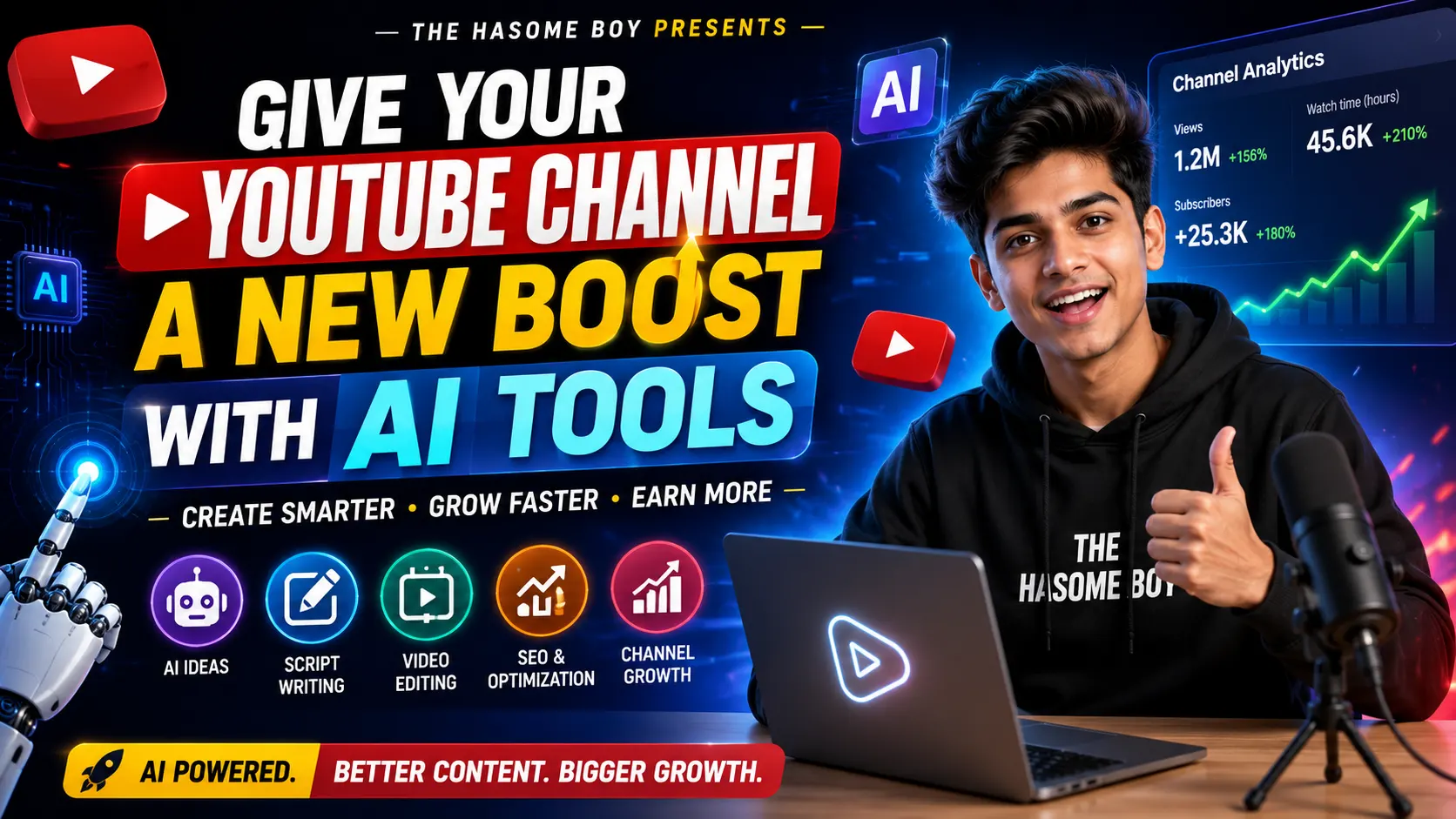
Hey friend, if you’re running a YouTube channel and your channel’s growth feels slow, you’re not alone. I’ve been in that situation too, spending the whole day staring at my dashboard, wondering why views weren’t coming. In this article, we’ll learn about the best AI tools for YouTubers in 2026, covering everything in full detail – script writing, video editing, thumbnails, voiceovers, and SEO. This is the reason I want to talk to you all about those amazing AI tools that have really proven to be very helpful for YouTubers and have helped me and many other creators save time and grow faster. Honestly, do you spend 2-3 hours editing videos, writing scripts, or making thumbnails? These AI tools can do half the work. In my experience, when I started using a mix of these tools, my upload speed doubled, and the quality of my content also improved compared to before. So today I will try my best to teach you something different. Quick Highlights ChatGPT and Gemini for scripts and video ideas If you want fast AI video editing, CapCut and Descript are great options. ElevenLabs for natural-sounding voiceovers Canva for thumbnails that get clicks TubeBuddy and VidIQ for YouTube SEO Opus Clip helps you turn long videos into shorts. Why Should YouTubers Use AI Tools in 2026? Why Should YouTubers Use AI Tools in 2026? Now let’s talk about why this matters. YouTube is getting more competitive every single day. If you are still doing everything manually, you are simply working harder, not smarter. AI tools for YouTube creators help you save time on boring tasks so you can focus on what actually matters: your content and your audience. For every creator, time is not just a resource; it’s the biggest capital of any creator. These tools give that time back to you. Best AI Tools for Scriptwriting and Video Ideas ChatGPT and Google Gemini Honestly, these two are my daily drivers. I use them to brainstorm video titles, write scripts, and even plan my content calendar. They are free to start, though the paid versions unlock faster and smarter responses. However, do not copy and paste blindly. Always add your own voice and style; otherwise, your videos will sound robotic. Edit YouTube videos in minutes with these AI tools CapCut CapCut is honestly a lifesaver for beginners. It has auto captions, background removal, and templates that make editing simple, even on a phone. It is free, and that is a big plus for new creators. Descript Descript works differently. You edit your video like a Word document: just delete text and the video clip removes automatically. This is one of the best AI video editing tools for podcast-style or talking head videos. If something is bad, I will say it clearly: Descript can feel a bit heavy on lower-end laptops. So keep that in mind. Best AI Tools for Thumbnails and Voiceovers Canva Canva has AI features now that suggest designs and even generate images. Thumbnails matter a lot for clicks, and Canva makes this part quick and easy, even for someone with zero design skills. ElevenLabs If you do not want to show your face or record your own voice, ElevenLabs gives you natural-sounding AI voiceovers. I have used it for a few explainer videos, and honestly, most viewers could not tell it was AI. Give your YouTube channel a new boost with AI tools TubeBuddy and VidIQ These two are must-haves if you are serious about growth. They help you find the right keywords, check your video SEO score, and even spy on competitor tags. This is where the real AI YouTube growth tools magic happens. Opus Clip Shorts are driving huge growth on YouTube right now. Opus Clip takes your long video and automatically finds the best moments to turn into Shorts. This alone can bring a fresh wave of new subscribers to your channel. Comparison Table: Best AI Tools for YouTubers Tool Best For Free Plan Rating ChatGPT / Gemini Scripts and Ideas Yes 4.5/5 CapCut Easy Editing Yes 4.5/5 Descript Text Based Editing Limited 4/5 Canva Thumbnails Yes 4.5/5 ElevenLabs AI Voiceover Limited 4/5 TubeBuddy / VidIQ SEO and Tags Limited 4.5/5 Opus Clip Shorts Creation Limited 4/5 Also Read : 10 Ultimate Best AI Tools for Students for Better Grades Pros and Cons of Using AI Tools for YouTube Pros: Saves a lot of editing and writing time Improves video and thumbnail quality Helps even beginners look professional Most tools have free and low-cost options available. Cons: Free plans often have limits or watermarks. Overusing AI voice or script can feel robotic. Some tools need a learning curve at first. Also Read : Nubia AI Agent Smartphone: Hands-Free App Control Our Verdict Rating: 4.5 out of 5 stars If you honestly ask me for my opinion, these Best AI Tools for YouTubers are worth trying, especially if you’re a solo creator managing everything yourself without any team. Start with the free versions, see which one fits into your workflow, and then upgrade only the ones you use daily. And they’ll be perfect for you. Disclaimer This article was written in July 2026 for information purposes only. The features of the tool, prices, and limitations of the free plan keep changing from time to time, so check it once before making a purchase. Please check the official website of each tool before subscribing or making any purchase decision. Related Post Oppo Reno 16 Series Could Be the Best Reno Yet iQOO Neo 11S Leak Reveals Expected Price, Storage Options & August Debut OnePlus N6x First Look Revealed: Launch Date, Colors & Specs Details Realme P4R Price in India Increased: New Price, Reasons & Full Details Light Flip Phone Launches at $299, Razr Vibes Are Back. 1 2 Earbuds Huawei FreeClip 2 S Early Bird Offers Now Live OPPO Enco Air 5 India Launch Confirmed: Amazon Teaser is Live! 5 Best Earbuds of 2025: Sound, Battery, and Reviews Top 10 … Read more