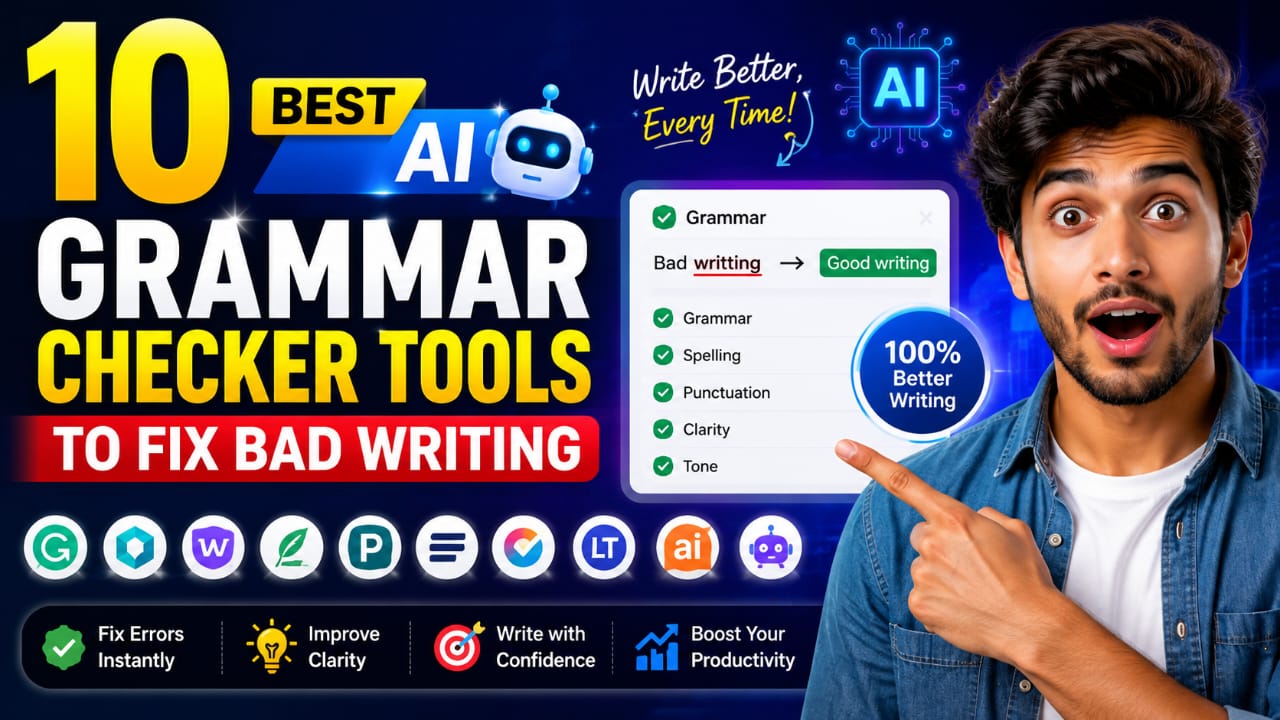
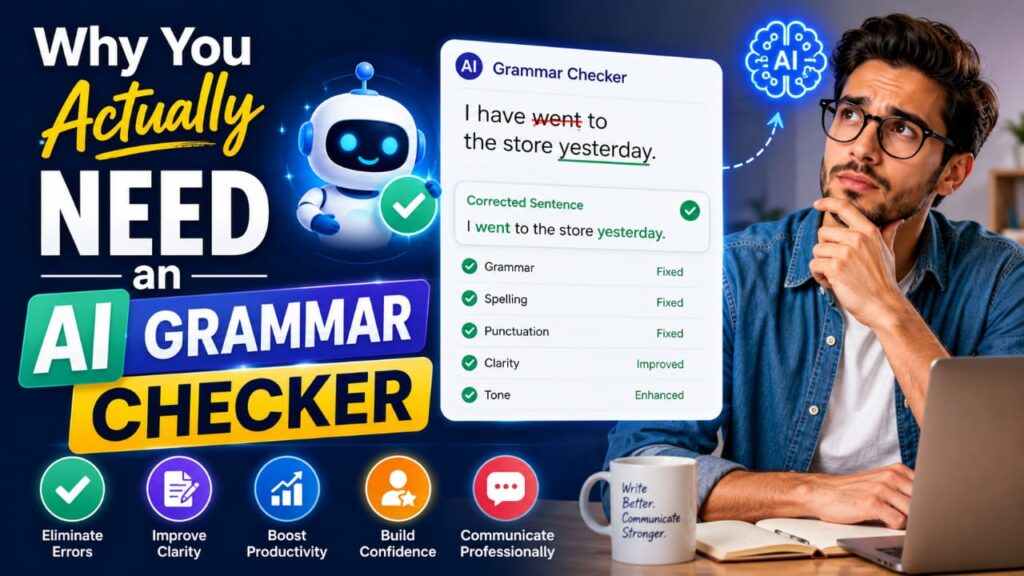
Tell me the truth: how many times have you sent an email and later found a silly mistake in it? It happens to all of us. An AI writing assistant does not just fix grammar; it also improves your tone, clarity, and flow. For students, it helps with academic writing. For professionals, it keeps emails and reports clean. For content creators, it saves hours of manual editing.
Now let’s talk about the actual tools.
Grammarly
Grammarly is probably the most popular name on this list. It checks grammar, spelling, punctuation, and even tone. In my experience, Grammarly is great for daily use, whether you are writing an email or a blog post. The free version covers basics well, but the premium plan unlocks deeper suggestions.
The good part is it works almost everywhere: browser, Word, Gmail, you name it. The bad part is the premium price can feel a bit high for students on a tight budget.
QuillBot
QuillBot is more than a grammar checker; it also offers paraphrasing and plagiarism checking. If you think as I do, having multiple tools in one place saves time and money. Students and content creators especially love this one because it helps rewrite sentences without changing the meaning.
It is one of the best free AI grammar checker tools out there, and the free plan itself is quite generous.
ProWritingAid
If you write long articles or even books, ProWritingAid is worth checking out. It gives detailed reports on your writing style, not just grammar mistakes. I used it once for a long blog post, and honestly, the style reports opened my eyes to habits I did not even know I had.
The only downside, it can feel a little too detailed for beginners who just want quick fixes.
LanguageTool
LanguageTool is a solid pick if you write in more than one language. It supports many languages and is budget-friendly too. This is one of the best grammar checker tools for people who want quality without spending much money.
Buddy, if you are a freelancer working with international clients, this tool can genuinely help.
Trinka AI
Trinka AI is built mainly for academic and technical writing. Students working on research papers or professionals writing technical reports will find this tool very useful. It catches formal writing mistakes that regular grammar checkers often miss.
However, it may feel a bit specific if you just need casual grammar checking for blogs or social media posts.
Wordvice AI
Wordvice AI focuses on academic writing too, especially useful for students preparing papers or citations. It gives suggestions that match academic tone, which regular tools sometimes fail to catch.
This one is not for everyday casual writing, but for serious academic work, it does its job well.
Ginger
Ginger is another AI writing assistant that also helps non native English speakers. It offers translation features along with grammar correction. If English is not your first language, Ginger can help you understand your mistakes better instead of just fixing them silently.
Scribens
Scribens is a good free option if you want quick grammar fixes without any complicated setup. It is simple, works fast, and does not overwhelm you with too many features. Perfect for students who just want clean, mistake-free writing.
Sapling
Sapling is more focused on business and customer support teams, but it works well for professionals writing emails and reports too. It gives quick suggestions and helps maintain a consistent tone across your writing.
WhiteSmoke
WhiteSmoke rounds up our list with strong grammar checking along with translation support. It is especially helpful for non native speakers who want both correction and learning at the same time.
Which One Should You Choose
To be honest, in this article, there isn’t a single answer that’s right or satisfying for everyone. If you are a student, tools like Trinka AI or Wordvice AI make sense for academic writing. If you are a professional, Grammarly or Sapling keep your communication clean. If you are a content creator, QuillBot or ProWritingAid give you more value with extra features like paraphrasing.
In my experience, using a mix of two tools works best, one for daily grammar checking and one for deeper style improvement.
Final Thoughts
In the end, I would say that the best AI grammar checker tools are the ones that fit perfectly with your writing style and budget. Don’t choose a tool just because it’s popular; choose one that actually solves your writing problem. First, try the free version of any tool, see how it works for you, and then decide whether the premium plan is really worth it or not.
Disclaimer
This article is for informational purposes only. Tool features, pricing, and free plan limits may change over time, so please check the official websites before making a decision.