
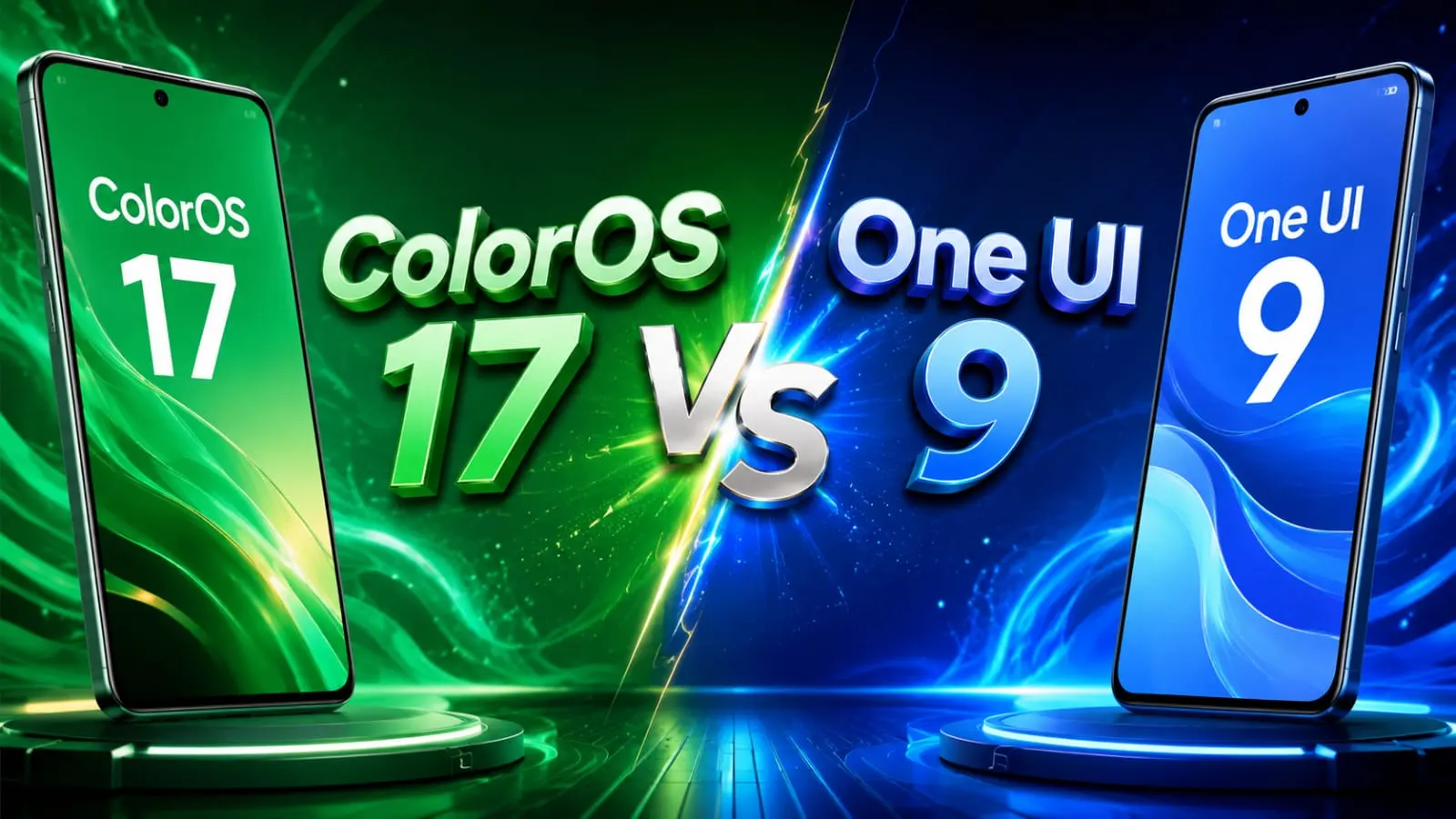
Friend, if you are getting confused between ColorOS 17 vs One UI 9, you are not alone. This year, both OPPO and Samsung are focusing on AI, and picking the right one can seem a bit tricky. In this article, I’ll explain everything in simple words, just like I’m explaining to a friend over tea. By the end, you’ll definitely know which one is right for your phone needs.
In This Article
ToggleHighlights
- One UI 9 is already rolling out as a stable build, while ColorOS 17 is still in closed beta.
- One UI 9 wins on AI tools you can actually use today.
- ColorOS 17 feels smoother on mid-range phones thanks to its new rendering engine.
- Samsung offers a longer update promise compared to OPPO.
Now let’s talk about each part one by one.
What Is New In ColorOS 17 Design?
OPPO calls the new look “liquid acrylic.” In my experience, this style focuses on soft, glass-like elements that feel light on the eyes. Tell me the truth, don’t you get tired of heavy, cluttered screens? ColorOS 17 tries to fix that with a cleaner layout and smoother animations, powered by OPPO’s new Luminous Rendering Engine.
This engine is built to make even budget and mid-range phones feel fast. So, if you own a OnePlus or Realme phone, you will likely feel snappier scrolling and app switching once ColorOS 17 lands on your device.
How Does One UI 9 Look And Feel?
Samsung has always focused on one-handed use, and One UI 9 continues that habit. Interactive buttons and menus sit in the lower half of the screen, so even big Galaxy phones feel easy to hold and use. If you think as I do, this small design choice makes a big daily difference, especially when you are using your phone on a busy train or auto ride.
One UI 9 also brings extra personalization through Good Lock, letting you tweak icons, themes, and multitasking windows however you like.
ColorOS 17 vs One UI 9 AI Features: Who Wins?
This is the section most people care about. Samsung’s AI tools in One UI 9 are already shipping and working right now on supported Galaxy phones. You get agentic AI features that can complete small tasks for you, smart writing help, and cross-device AI that connects your phone, tablet, and watch together.
ColorOS 17, on the other hand, is still mostly in the promise stage. OPPO has shared its AI vision, but since the software is in closed beta, most features are not fully testable yet by normal users.
So honestly, if AI features are your top priority, One UI 9 AI features currently have a clear head start over ColorOS 17.
Battery Performance: Which One Saves More Juice?
Now, let’s be honest here, because I know battery life matters to almost everyone.
- ColorOS 17’s liquid acrylic design uses a lighter refraction style, which reportedly helps save some battery while keeping the screen easy to read.
- One UI 9 focuses more on smart background management and app optimization to stretch battery life across a full day.
In my experience testing similar Android skins in the past, both approaches work well, but real battery results always depend on your phone’s hardware, not just the software skin.
ColorOS 17 vs One UI 9 Design And Features: A Simple Comparison
Feature |
ColorOS 17 |
One UI 9 |
|---|---|---|
Availability
|
Closed beta
|
Stable rollout
|
Design style
|
Liquid acrylic, minimal
|
One-handed, customizable
|
AI Tools
|
Announced, limited testing
|
Live and usable now
|
Update Promise
|
Shorter
|
Up to 7 years on flagships
|
Best For
|
Mid-range smoothness
|
Long-term ecosystem users
|
ColorOS 17 vs One UI 9 Android 17 Comparison
Both skins are expected to build on top of Android 17, which itself brings small but useful changes under the hood. However, since Samsung started testing earlier and pushed a stable build first, One UI 9 currently feels more polished and ready for daily use. ColorOS 17 is still catching up, with eligible devices like the Find X9 Pro series, OnePlus 15, and Realme GT 8 Pro testing it in limited numbers.
ColorOS 17 vs One UI 9: Which Is Better For You?
Here is my honest take, buddy:
- Choose ColorOS 17 if you already own an OPPO, OnePlus, or Realme phone and enjoy fast, smooth animations.
- Choose One UI 9 if you want working AI features today, a bigger ecosystem, and longer software support.
If you are still deciding which phone to buy, it may be smarter to wait for the stable ColorOS 17 release before making a final call, since right now One UI 9 is simply more tested and reliable.
Final Thoughts
Both ColorOS 17 vs One UI 9 are trying to make Android smart and smooth, just in different ways. In my opinion, choosing software should always be based on how you personally use your phone-whether heavily or normally-rather than which brand is making the most noise about AI. Take your time, compare according to your daily habits, and pick the one that actually feels right for you.
Disclaimer
This article is based on publicly available information and beta reports available at the time of writing. Features, rollout dates, and device eligibility for ColorOS 17 may change once the stable version is officially released. Please check your device manufacturer’s official update page for the latest confirmed details.
FAQ's
Is ColorOS 17 better than One UI 9?
It depends on your needs. ColorOS 17 offers smoother animations on mid-range phones, while One UI 9 offers stronger, ready-to-use AI features and better long-term software support.
When will ColorOS 17 be available for everyone?
ColorOS 17 is currently in closed beta testing. A wider stable rollout is expected after testing completes on eligible OPPO, OnePlus, and Realme devices.
Which phones support One UI 9 right now?
One UI 9 stable build is rolling out across many Galaxy devices, from recent flagships to select budget A-series models, with more phones added gradually.
Does One UI 9 have better AI features than ColorOS 17?
Yes, currently One UI 9 has working, shipped AI tools, while ColorOS 17’s AI features are still mostly announced and not fully available yet.
Which one has better battery life, ColorOS 17 or One UI 9?
Both use smart battery optimization differently. Real battery backup mainly depends on your phone’s hardware, not just the software skin itself.

Deepak Kumar is the founder and author of Techallrounder.com. He covers the latest technology news, smartphone and laptop reviews, gadget comparisons, buying guides, and tech tips. His goal is to provide accurate, easy-to-understand, and up-to-date information that helps readers make better technology decisions.